 Monmot
Keep the words you look up
Monmot saves a word in the sentence you met it in, explains it in the language you are reading, and brings it back before it fades.
Free to start, no account needed.
What it does
- saveverb
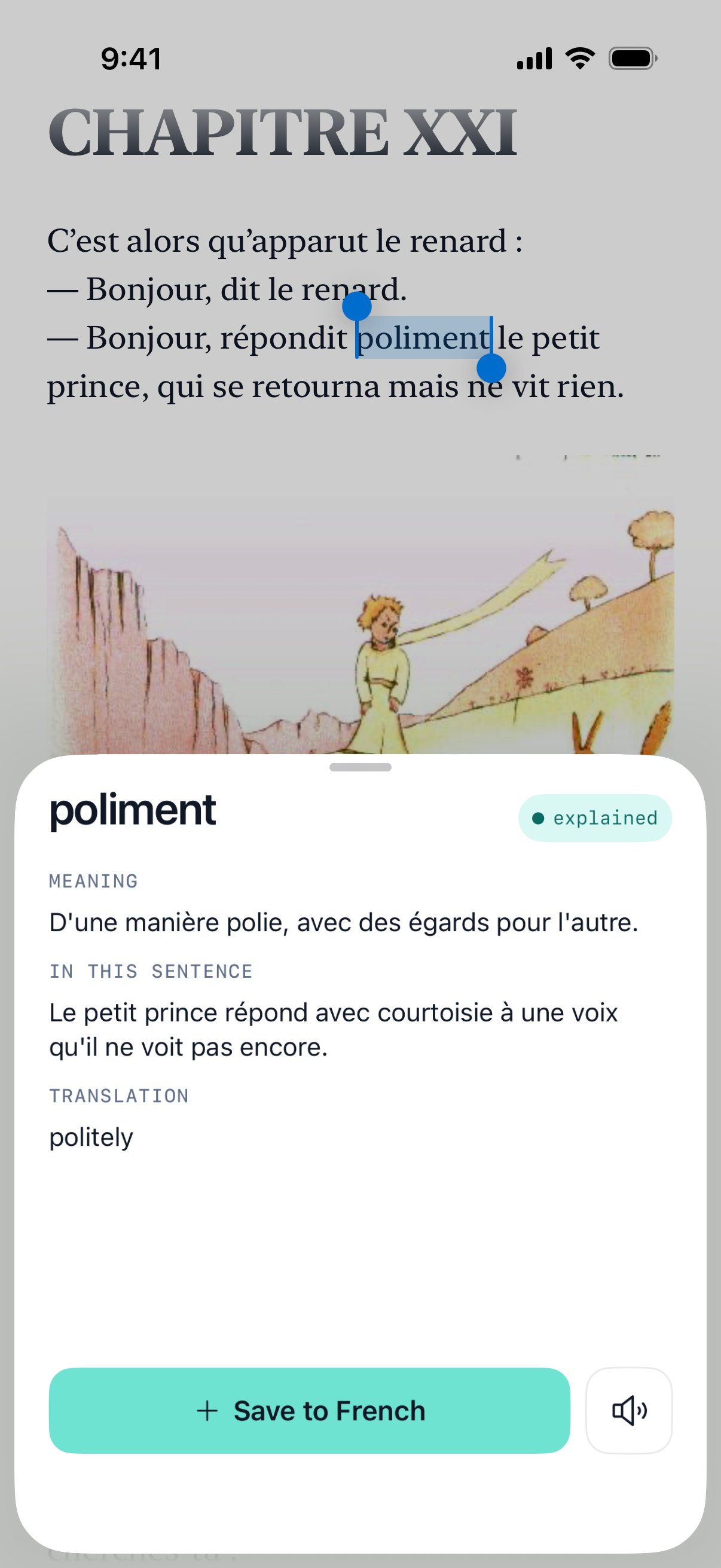
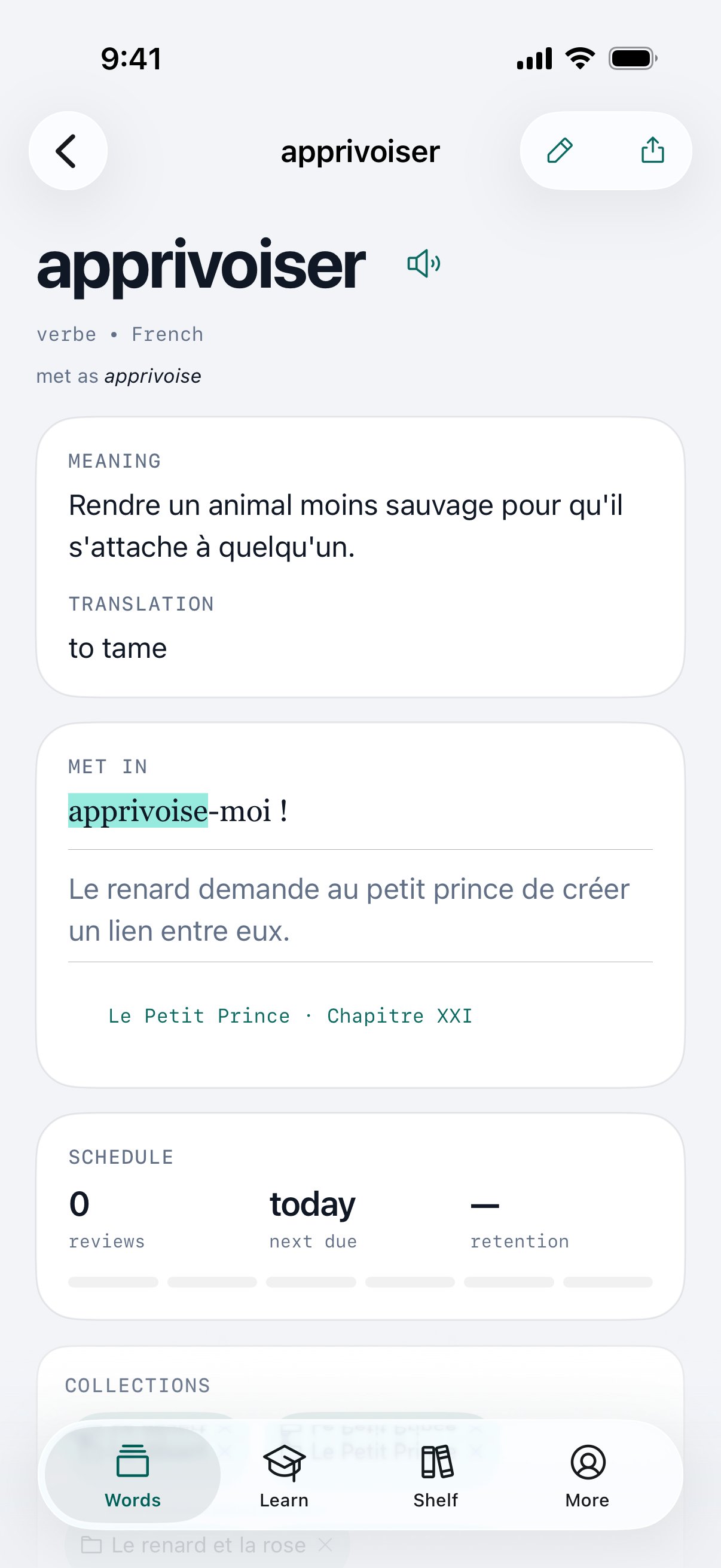
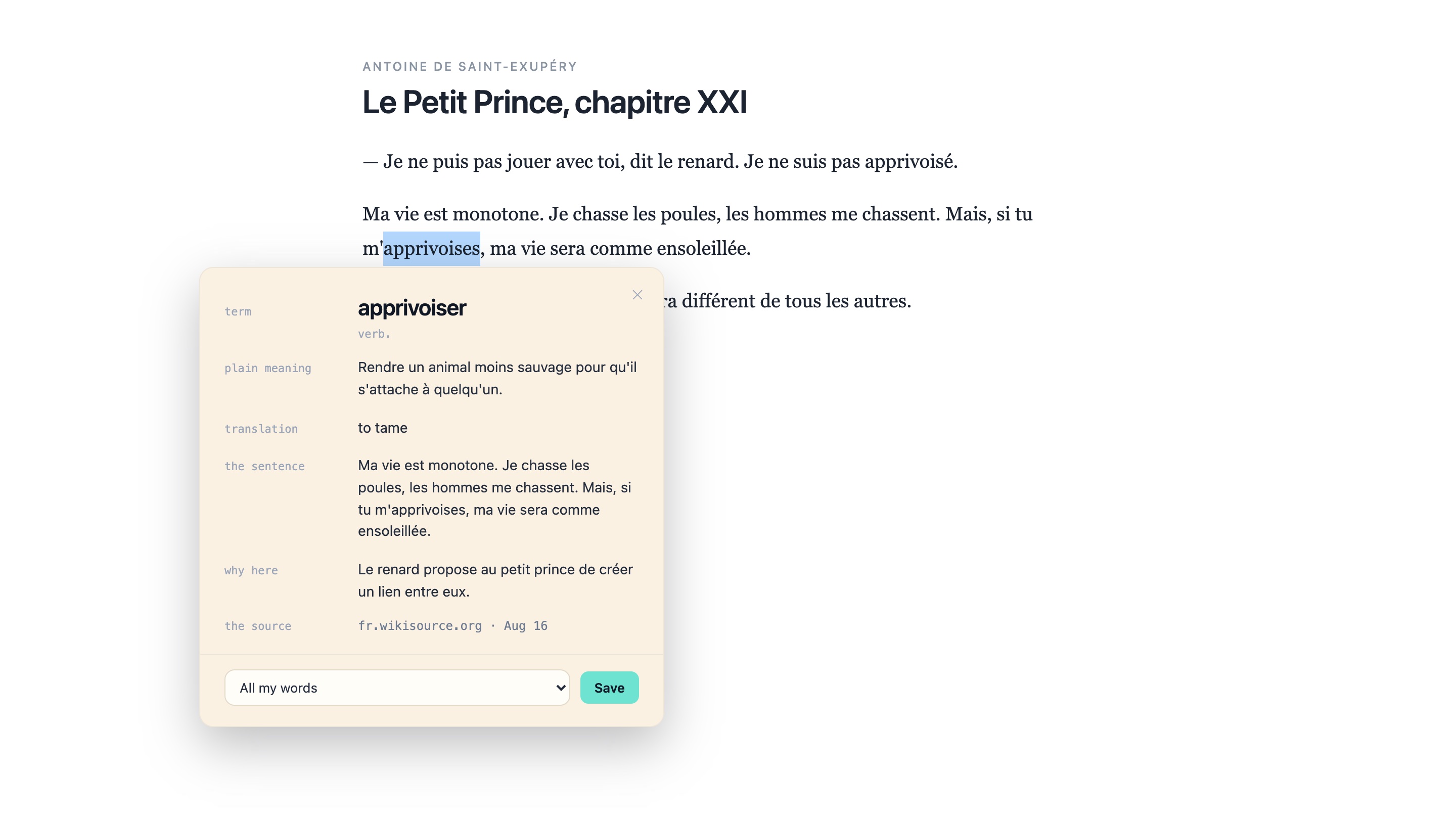
- Select a word on a web page or in a book, or point the camera at paper. The sentence and the source go in with it.
- explainverb
- In the language you are reading: a plain meaning, and why the word fits this sentence. The translation waits under a cover.
- returnverb
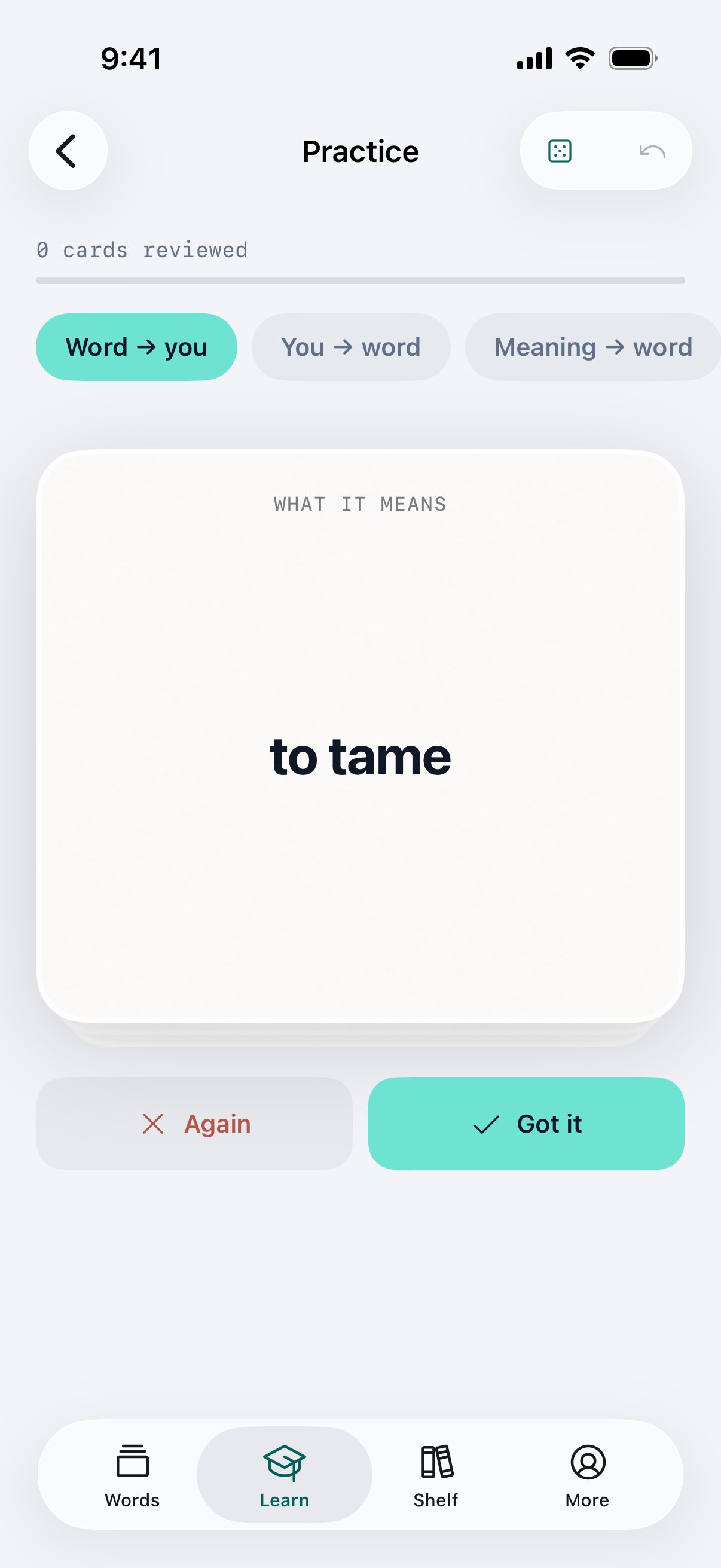
- Each word comes back as a blank in its own sentence, on the day FSRS picks.
- readverb
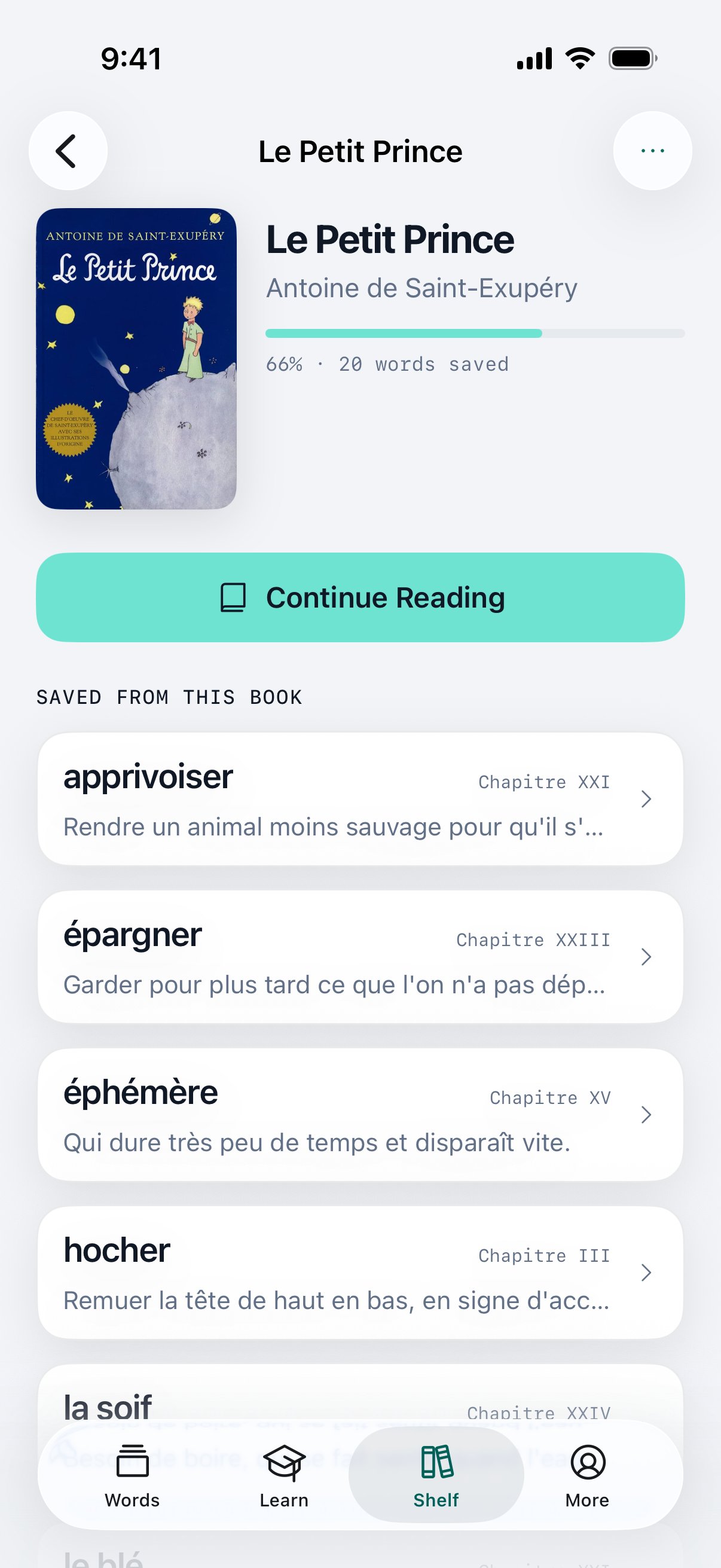
- The iPhone app reads EPUB and FictionBook. A saved word remembers its chapter.
- syncverb
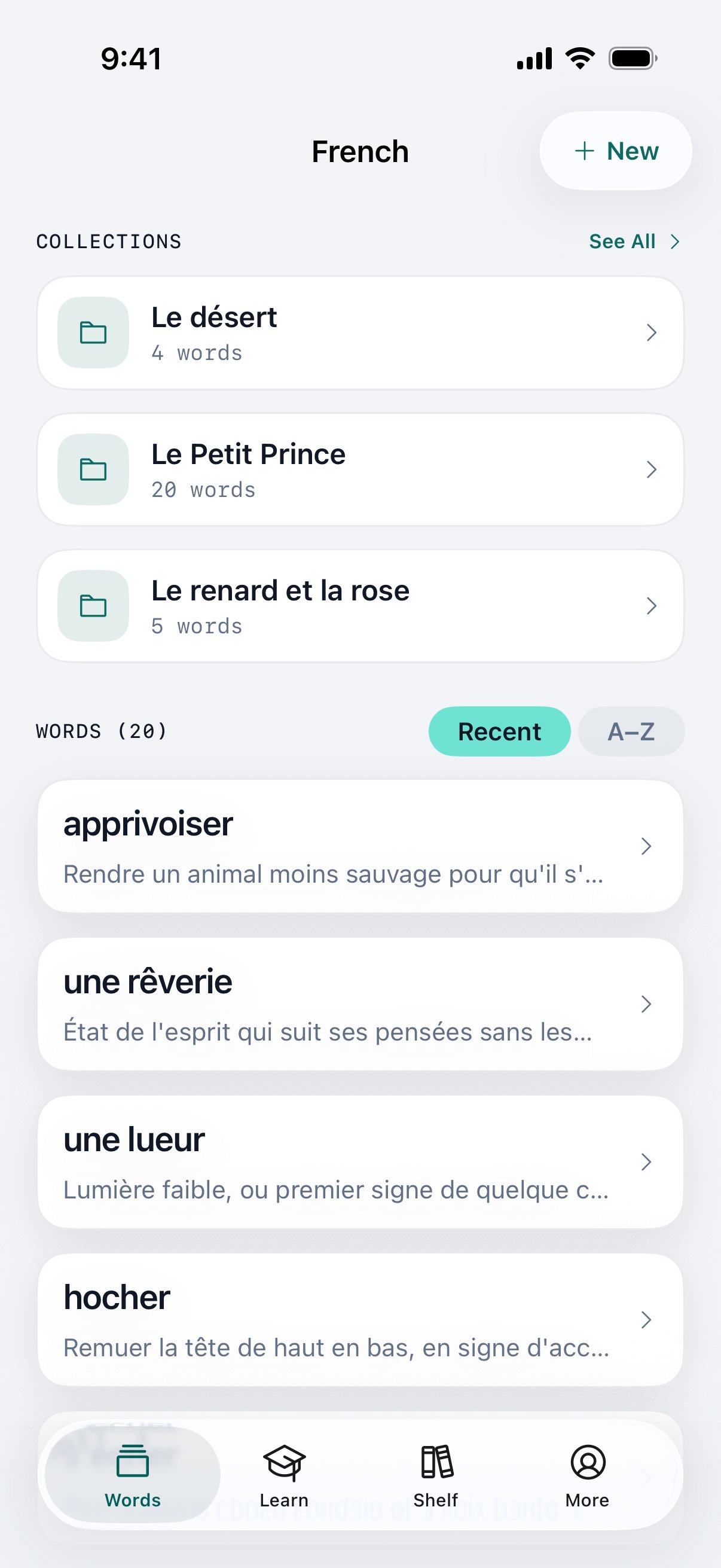
- The extension, the web app, iPhone, iPad and Mac share one library. Claude and ChatGPT can read and add to it.
- keepverb
- Every card exports as JSON, whenever you want.
The extension
Monmot opens on the page you are reading. Nothing to copy, no tab to switch to.
1
Select
Drag across a word or a phrase, then click the Monmot chip. The card opens beside it.
2
Save
The word goes in with its sentence, the page and the date.
3
Meet it again
Saved words stay marked on every page you open after.
Add Monmot to your browser
Chrome, Edge, Brave and Opera today. Firefox and Safari soon.
 Add to Chrome